

The primary way to interact with atopile locally is via the VS Code extension. We also support forks like Cursor or Antigravity.Documentation Index
Fetch the complete documentation index at: https://docs.atopile.io/llms.txt
Use this file to discover all available pages before exploring further.
1. Install Preferred VS Code Fork
| Editor | Download |
|---|---|
| VSCode | https://code.visualstudio.com/download |
| Cursor | https://cursor.com/download |
| Google Antigravity | https://antigravity.google/download |
2. Install Extension
Once you have a VS Code editor, search for the extension or install by clicking atopile extension.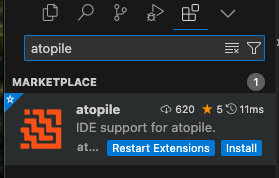


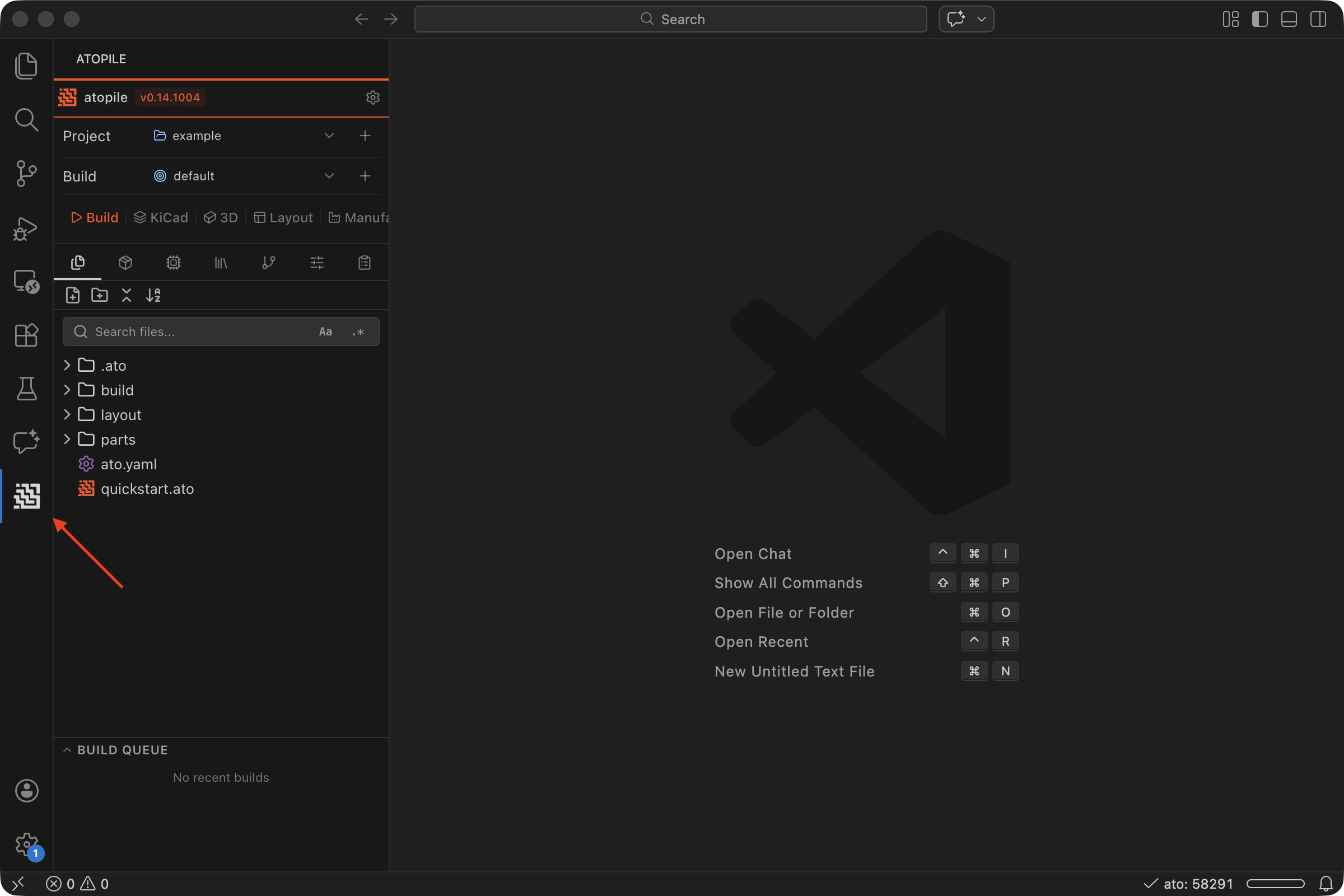
3. Install KiCAD
If you want to layout or route PCBs you will need to install KiCAD.4. Done!
Great! At this point you can move on and create your first project.Other Install Methods (Optional)
Homebrew (recommended for macOS)
uv (recommended for other platforms)
-
Install
uvhttps://docs.astral.sh/uv/getting-started/installation/ -
Install atopile with
uv -
Check
atoinstalled
Editable Installation (best for development)
-
Install
uv(see above) -
Clone the repo
-
cdinto the repo -
Install